Squarespace SEO for AI Search: Make Your Website Easier to Understand
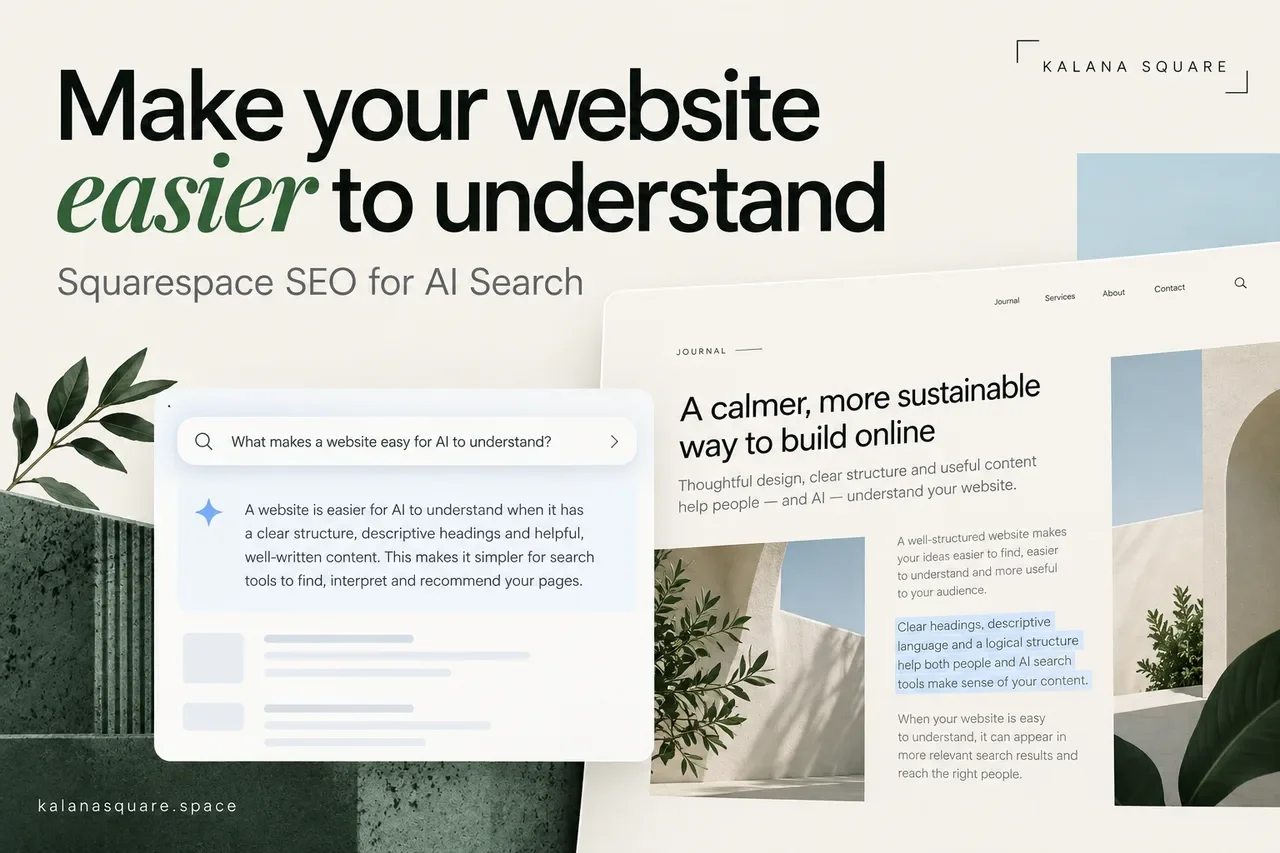
A prospective client might find your business through Google, a Pinterest Pin or a question they ask an AI assistant. The question is often simple: who can help me improve my Squarespace website?
For your business to be considered, its website needs to explain what you do, who you help and why your information is worth trusting. That sounds obvious, yet many polished websites leave those details surprisingly vague.
Squarespace SEO for AI search means improving the accessibility, clarity and usefulness of your pages. It does not mean adding a secret phrase that forces ChatGPT, Claude or Gemini to recommend you. There is no reliable guarantee of that outcome.
Does AI search require a different SEO strategy?
The foundations overlap. A page needs to be accessible, relevant and useful before it can help either a human reader or a search system.
Google's guidance for AI features says established SEO practices remain relevant to AI Overviews and AI Mode. It does not require a special AI file or additional markup. A page must be indexed and eligible to appear with a search snippet to qualify as a supporting link, but eligibility does not guarantee inclusion.
That guidance concerns Google's search features. It should not be treated as a promise about how every other AI assistant discovers or selects information.
Start with a page that can be found
Check whether your most important service pages and articles are published, accessible without a password and connected to other public pages. A useful article with no incoming internal links is easy for visitors to miss.
Inspect important URLs in Google Search Console. Look for specific indexing problems instead of assuming that adding more articles will solve the issue. If a page is intentionally private, keep it private; create a separate public explanation of the offer when needed.
Your site should make essential information available as readable text. A service description embedded only in a graphic may look attractive but gives readers fewer options for searching, selecting or accessing it.
Give each service a clear home
A homepage cannot answer every commercial question in sufficient detail. Give your main services focused pages with a distinct purpose.
For a Squarespace redesign service, explain the problems it addresses, the work included, who it suits and what happens after an enquiry. Add a relevant project example rather than a general claim that you deliver exceptional results.
Use headings people recognize. “Squarespace Website Redesign Services” explains the offer immediately. A creative supporting line can express personality underneath it.
If multiple pages describe essentially the same offer, review their roles before adding more keywords. Clear boundaries between services make both navigation and content planning easier.
Answer real buying questions directly
People researching a designer want practical answers. They ask what a project costs, how long it takes, what they need to supply and whether their current website can be improved without starting again.
Start an article with the answer, then explain the conditions. For a pricing question, discuss scope, content, integrations and ongoing costs. Avoid an exact price unless it reflects a real offer you can honour.
A useful comparison explains when each option makes sense. If Squarespace is unsuitable for a particular requirement, say so. Balanced guidance is more credible than recommending one platform regardless of the problem.
Our redesign versus rebuild guide is an example of a decision-focused topic: it helps a business owner identify the type of help they need.
Make experience visible through evidenc
Credentials establish context, but the strongest pages also demonstrate how that experience affects decisions.
A project story can explain the client's original problem, constraints, the changes made and how the finished website works. Include measurements only when you have records supporting them. If there is no conversion data, describe the delivered improvement without inventing a percentage.
For example, replacing a confusing service menu with clearer individual pages is a documented design change. Claiming that it doubled enquiries requires separate evidence.
Use genuine project screenshots when illustrating client work. Label conceptual graphics as illustrations so they are not mistaken for actual results or testimonials.
Connect articles with services and projects
A helpful article should give readers a sensible next step. Someone exploring migration may want a planning guide first, then a service explanation and an example of similar work.
Place links where the next question naturally arises. Use descriptive wording such as “Squarespace SEO services” instead of asking people to “click here.” Avoid linking the same phrase repeatedly throughout a page.
Review existing articles when you publish a new one. Add a reference only where it improves the older article. This gradually creates an organized collection rather than an archive of isolated posts.
For a practical approach, read the guide to Squarespace internal linking.
Explain who is behind the website
Your About page, author details and service pages should agree about the business name, expertise and contact route. Readers should not have to guess whether they are hiring an individual specialist or a large agency.
For Kalana Square, the relevant facts are straightforward: the studio is led by Kalana Heshan, a Squarespace Marketplace Expert with more than seven years of experience and over 450 completed websites.
Keep those facts accurate and consistent. If a credential or service changes, update the affected pages. Add a short author biography where it gives readers useful context, without repeating a long sales pitch below every section.
Use structure to improve reading
Clear headings, short paragraphs and well-chosen lists make detailed subjects easier to follow. A comparison table is useful when readers need to evaluate the same factors across several options.
However, an article does not need dozens of miniature sections to appear machine-friendly. Choose headings that describe the content beneath them. Keep related explanations together.
FAQs should answer genuine remaining questions. Repeating the same keyword in five slightly different questions creates little value.
Keep metadata and images purposeful
Write an SEO title that identifies the topic and a meta description that explains the value of reading the page. Use a short, descriptive URL for new content. Do not change established URLs simply to make them look tidier.
Alternative text should describe a meaningful image in context. A cover showing connected website pages might explain that relationship; it should not become a list of cities, platforms and services.
Keep important claims in the article itself. Images support the explanation, but they should not be the only place a reader can find your process or service scope.
Edit AI-assisted content before publishing
AI can help organize ideas, but your judgement still matters. Check factual statements, remove repetition and replace generic advice with details that help a customer decide.
Read the draft aloud. Would you say the same thing during a consultation? If a paragraph sounds impressive but does not explain anything, rewrite it.
Never invent a client story, testimonial or first-hand experience to make a page feel more authoritative. Useful specificity comes from real information, not decorative confidence.
Measure enquiries as well as visibility
Track relevant search traffic, article visits, service-page visits and completed enquiries. A consultation button click and a confirmed booking are different events.
AI referrals may not explain the full journey. A person can discover your business in one place, search your name later and contact you through another channel. Asking how they found you can add context.
Review changes over a meaningful period. Avoid judging an article by one search or treating a single AI recommendation as a stable ranking.
Frequently asked questions
Can this guarantee a recommendation from ChatGPT?
No. You can improve the information available about your business, but you cannot control which sources an assistant chooses for every question.
Should I publish more articles or improve existing ones?
Start with important gaps and weak pages. A focused, useful article can be more valuable than several overlapping posts answering the same question.
Do I need to redesign the whole website?
Not necessarily. Clearer copy, stronger internal links and corrected indexing settings may address the immediate problems. Review the evidence before choosing a larger project.
Make your Squarespace expertise easier to discover
I help businesses improve the structure, content and enquiry journey of their Squarespace websites. As a Squarespace Marketplace Expert with 7+ years of experience and 450+ completed websites, I can review what your site communicates and identify practical improvements.
Explore my Squarespace SEO services, or contact Kalana Square to discuss your website.